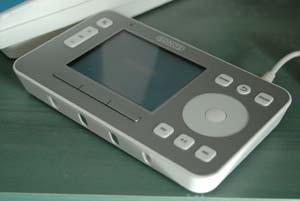
Installing the Sonos Multi Room Audio System
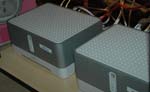 |
As previously mentioned we used the Sonos system for our multi room audio. Most of the ZP100 (self contained amplifiers) were located in the loft area. We also invested in a anti surge power supply (these cost around £15) to protect these devices from power surges. We made sure that the wireless range covered the house. These were supported by two ZP80 units where are designed to connect to other AV equipment. The combination of this meant we had strong connectivity around the house. |
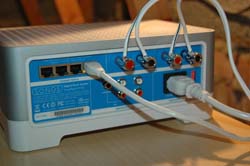 |
| The Sonos system is designed to connect to each other using wifi. We decided to link them where we could using cat5e network cable. | ||
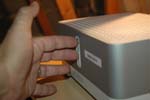 Very simple. Simply using the controller we selected add zone player. The system instructed us to press the volume up and mute button on the players and that’s it your connected.
You can then install the software on your PC. Tell it where your Mp3s are and enjoy. That’s it… It really is that simple.